Saint Louis County MO Prepares3.11.1
Publisher Description
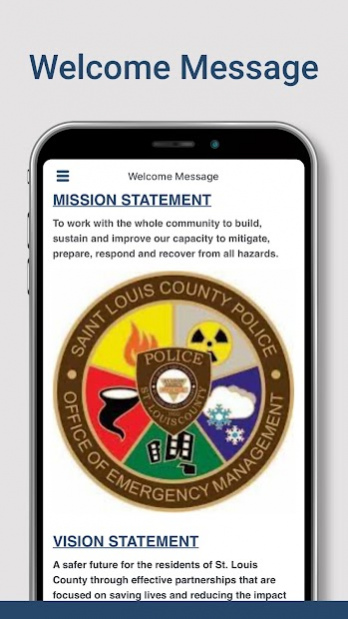
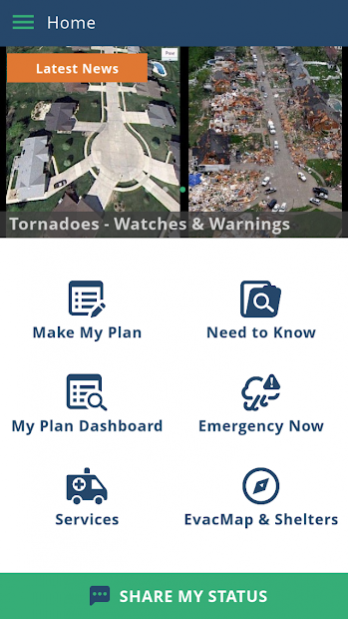
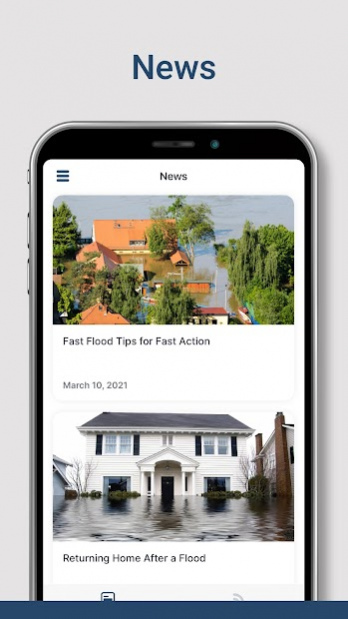
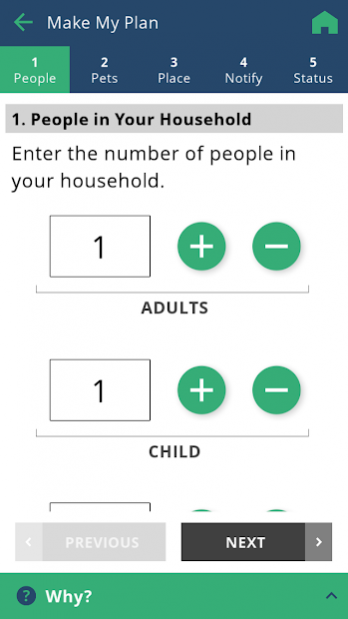
Be prepared for disaster. The Saint Louis County Missouri Prepares app will help you prepare and plan for how to respond to a disaster in your area.
Using the Saint Louis County MO Prepares app, you will be able to:
• Share your status with your selected contacts with the push of a button.
• Receive critical emergency alerts via push notification.
• Locate Saint Louis County’s emergency shelters.
• Display up-to-date evacuation route maps.
• Get the latest news and weather for the Saint Louis County area.
• Create a personalized Emergency Preparedness Plan by answering five basic questions.
Once Your Plan is generated, it is stored on your smartphone and can easily be shared with family members and friends. Your Plan comprises:
• An Emergency Supply Kit Checklist tailored to your needs.
• A Customized Emergency Food Supply Shopping List.
• An Emergency Communications Plan to notify your loved ones of your status
• Critical information to prepare your home for impending disaster.
Learn about the various emergency situations that Saint Louis County residents are most likely to face in five integrated eGuides:
• Earthquakes
• Floods
• Tornadoes
• Thunderstorms
• Winter Storms
About Saint Louis County MO Prepares
The company that develops Saint Louis County MO Prepares is St. Louis County Office of Emergency Management. The latest version released by its developer is 3.11.1.
To install Saint Louis County MO Prepares on your Android device, just click the green Continue To App button above to start the installation process. The app is listed on our website since 2022-04-06 and was downloaded 7 times. We have already checked if the download link is safe, however for your own protection we recommend that you scan the downloaded app with your antivirus. Your antivirus may detect the Saint Louis County MO Prepares as malware as malware if the download link to com.quickseries.SaintLouis is broken.
How to install Saint Louis County MO Prepares on your Android device:
- Click on the Continue To App button on our website. This will redirect you to Google Play.
- Once the Saint Louis County MO Prepares is shown in the Google Play listing of your Android device, you can start its download and installation. Tap on the Install button located below the search bar and to the right of the app icon.
- A pop-up window with the permissions required by Saint Louis County MO Prepares will be shown. Click on Accept to continue the process.
- Saint Louis County MO Prepares will be downloaded onto your device, displaying a progress. Once the download completes, the installation will start and you'll get a notification after the installation is finished.
Program Details
General
System requirements
Download information
Pricing
Version History
version 3.11.1
posted on 2022-04-06
NEW FEATURE: Receive relevant alerts and notifications based on your current location or the ZIP code regions you have subscribed to.
This release also includes a new onboarding and settings page experience and over 20 bug fixes.
version 3.8.0
posted on 2021-08-31
This release will allow users to change the language of their app to either English or Spanish. It also includes an improved module access code experience, enhanced privacy and over 80 bug fixes.
version 3.7.1
posted on 2021-06-16
This release includes bug fixes and improvements to nearly all its features.
version 3.6.2
posted on 2021-03-25
We are working hard to improve our app with every update. This release fixes many bugs and improves the performance of the app.
version 1.96
posted on 2020-03-11
Now using immersive mode (reminder: swipe from the bottom or top to bring back the navigation/status bars)
version 1.93
posted on 2019-02-08
- Prevent the application from becoming non responsive if an eGuide can't be accessed.
version 1.78
posted on 2016-12-20
- Landscape images were not displaying properly inside eGuides
